Portfolio Website v3 – Modern, Dynamic, and Powered by Headless CMS
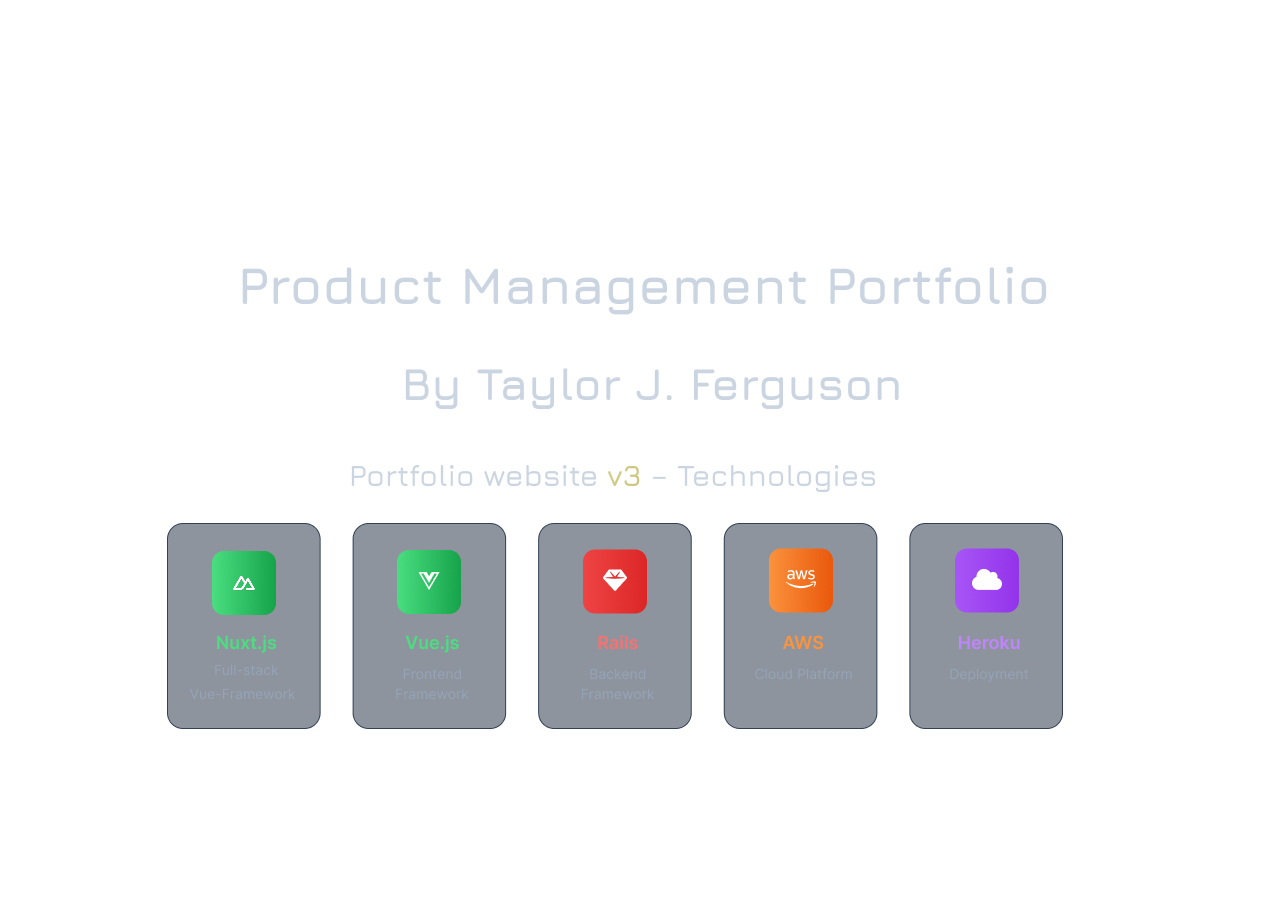
My portfolio website, built using Nuxt 3, Vue, Tailwind CSS, Ruby on Rails, Spark-ui.dev animations, Vue-Motion, and more, showcases my skills and projects from over the years. The Bento Grid Hero Section is a fork, and the supporting information will be provided in the next content section.
⚡️Nuxt Bento Portfolio
This is a modern, quasi-minimal, and highly customizable portfolio template built with Nuxt 3, Vue, and Tailwind CSS—Fork of the Ladvace Astro theme by Appdev95.
Built for developers, technical product managers, engineers, data scientists, or anyone technical who wants to showcase their work in a design-focused with dense content sections for a hasty overview on page load, this platform features a bento grid hero section, an experience timeline, an about me page, and a versatile portfolio view that supports blog posts, case studies with embedded PDF viewers, projects, and tags. Seamlessly connect your own Sanity.io headless CMS to manage portfolio items, and use any backend you prefer (Rails, Node, etc.) to handle contact form submissions and hardcoded API proxy logic for the headless CMS.
Features
Front end
- Modern bento-grid hero section provides a dense, interactive overview of skills and experience, enhanced with animations- Hasty overview on page load.
- Animated experience timeline implementation modeled off the Acternity UI Timeline and Aurora Background components, re-built specifically from React to Vue syntax.
- Built to be fully responsive and mobile-friendly across all devices.
- Easy integration with a Sanity headless CMS, but can be adapted for any CMS of your choice.
Backend & API:
- Functional contact form with included backend logic (Rails API example is provided).
- The Rails API acts as a proxy to securely fetch data from Sanity via POST requests, handling critical configurations like CORS and environment variables.
- README.md for the Rails backend implementation is located at portfolio-v3-master/backend-example/README.md and contains detailed setup instructions.
- Structured for rapid deployment and straightforward customization.
🚀 Getting Started
# Clone repo
$ git clone https://github.com/TaylorJalpha/portfolio-v3-master.git
$ cd portfolio-v3-master
# Install dependencies
$ npm install
# Start the project in development
$ npm run dev
🛠️ Connect Your Own Sanity Headless CMS
- Create a Sanity.io project and set up your schemas for projects, case studies, and blog posts.
- In your Nuxt app, set the following environment variables (in a
.envfile or your deployment platform):SANITY_PROJECT_ID(your Sanity project ID)SANITY_DATASET(usuallyproduction)SANITY_API_TOKEN(optional, for write access)
- The app will use these to fetch portfolio items dynamically. You can update the logic in
lib/sanity.tsandservices/sanityApi.jsif you want to customize queries or endpoints.
Contact Form & Backend API
The contact form is ready to send data to a backend of your choice. By default, it’s set up for a Rails API, but you can swap in Node, Python, or any backend you like.
Example: Rails Backend
- Create a Rails API with a
ContactFormcontroller to handle POST requests. - Enable CORS and CSRF protection for API requests.
- Update the
baseURLincomponents/ContactForm.vueandservices/sanityApi.jsto point to your backend. - The backend should accept JSON data and (optionally) forward it to Sanity or send you an email.
Sample Rails endpoint:
# app/controllers/contact_form_controller.rb
class ContactFormController < ApplicationController
    protect_from_forgery with: :null_session
    def create
        # Save to DB, send email, or forward to Sanity
        render json: { message: "Received!" }, status: :created
    end
end
Contributing & Customization
Feel free to fork, star, and make this project your own – If you add cool features or integrations, open a pull request or reach out—I'm always happy to connect with fellow builders.
Feedback & Feature Requests
Have feature requests or suggestions? Use the contact form button in the Bento-grid hero section on the home screen (right next to the interactive easter egg button). I welcome all recommendations and feature requests!
Tech Stack - For the full-stack experience






